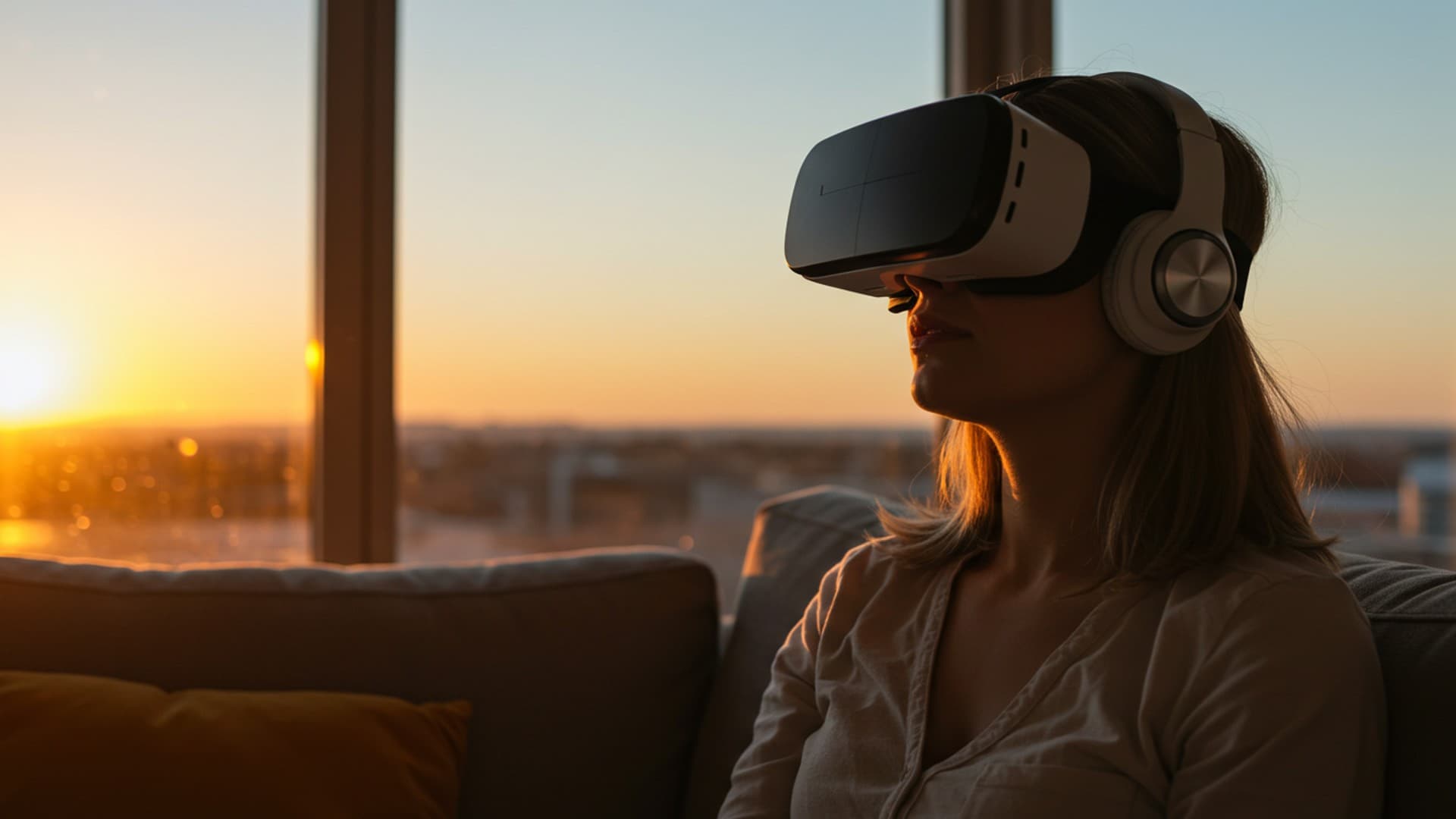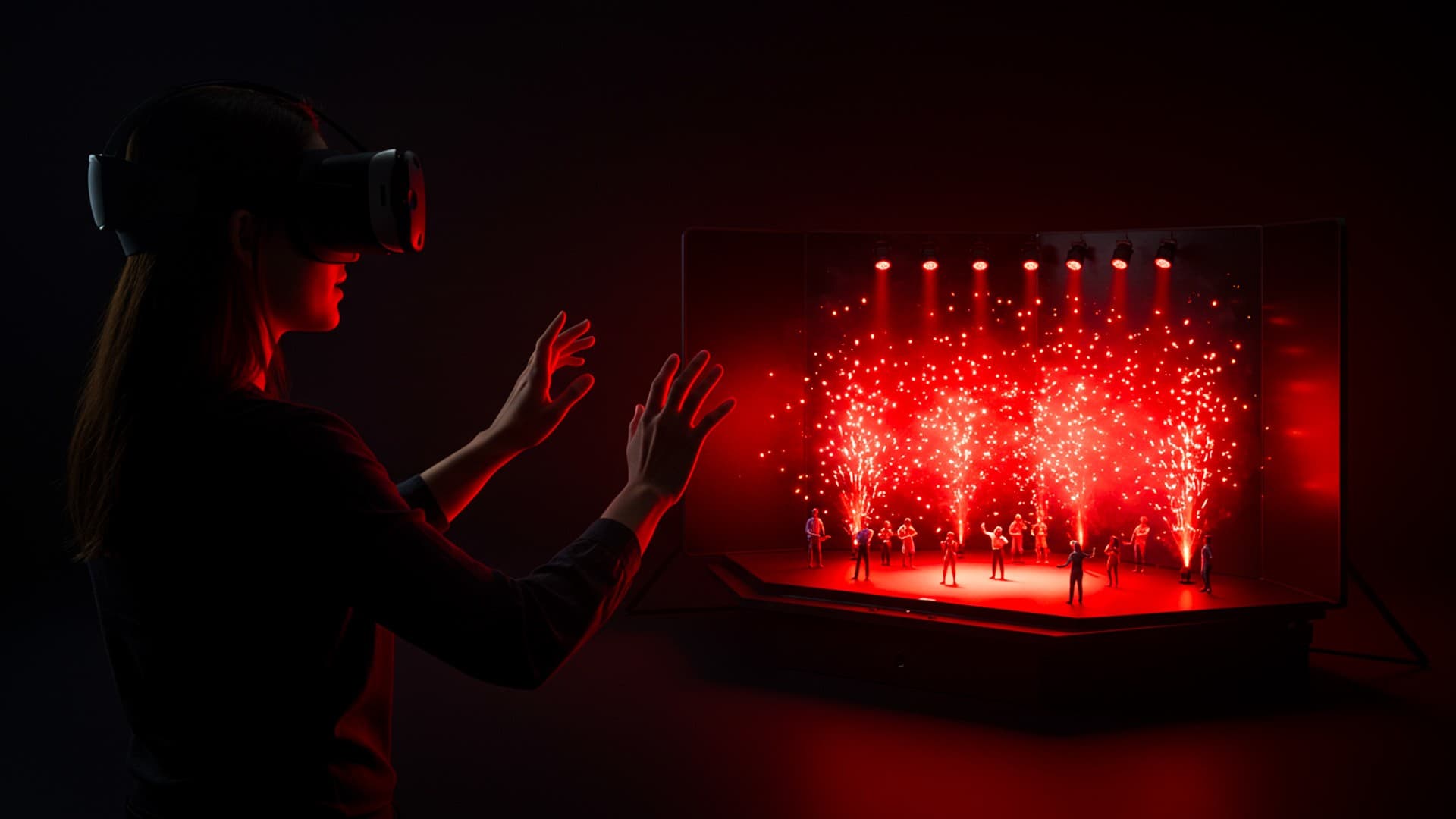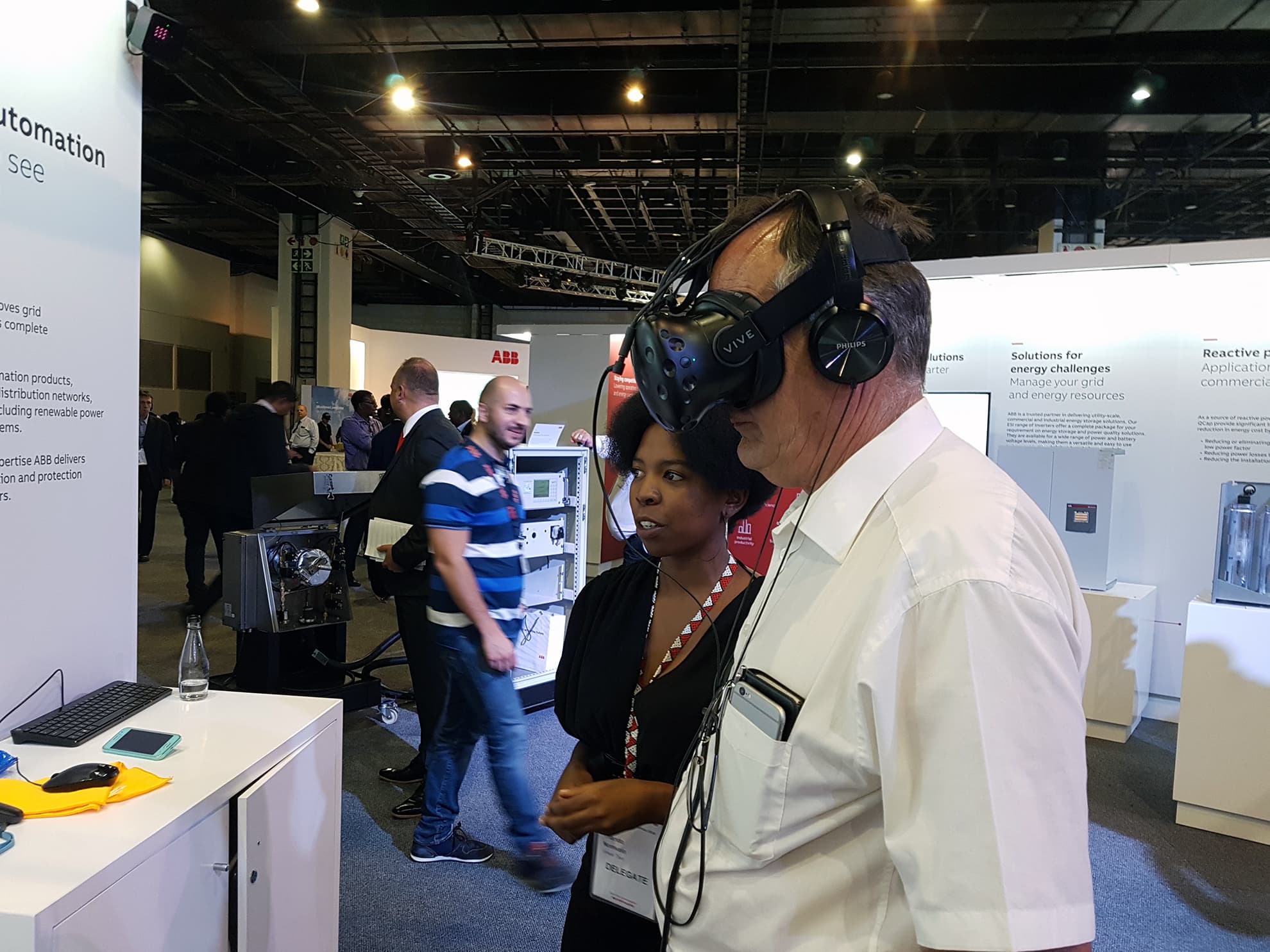
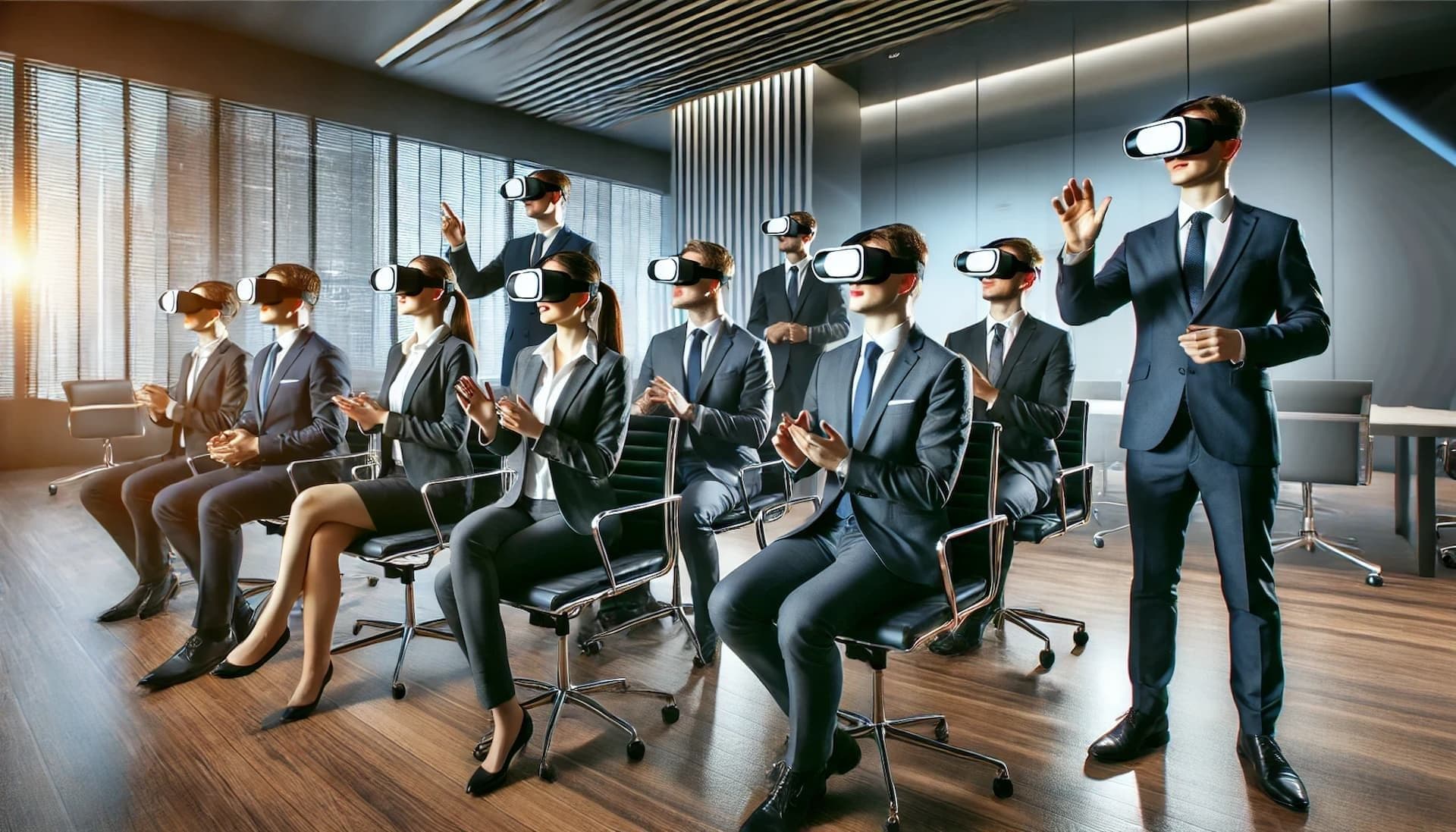
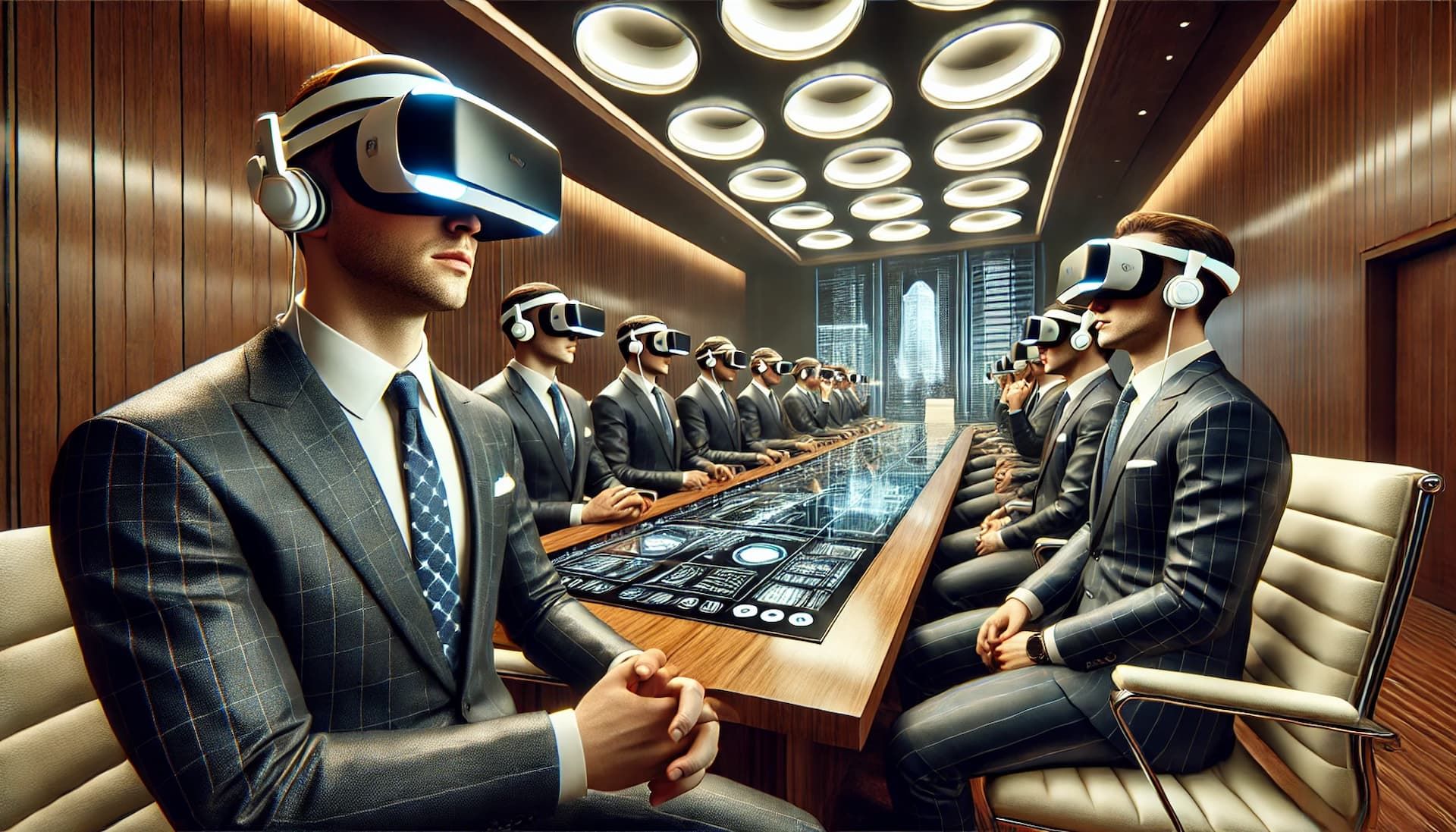
The way we collaborate and conduct meetings has evolved dramatically over the past few years, driven largely by advancements in virtual reality (VR) technology. One of the most significant developments in this space is BoardroomVR, an innovative platform designed to transform traditional meeting formats into immersive, interactive experiences. BoardroomVR allows participants to gather in a virtual environment that mimics real-world boardrooms, conference rooms, or even creative, out-of-the-box settings that stimulate creativity and engagement.
BoardroomVR’s relevance to the VR community cannot be overstated. As remote work becomes more common, the demand for effective virtual collaboration tools is growing. BoardroomVR meets this demand by offering a solution that not only replicates the physical meeting environment but enhances it with features that are impossible to achieve in a traditional setting. Whether it's the ability to manipulate 3D models in real-time, view presentations on virtual screens, or engage in side conversations with colleagues, BoardroomVR is redefining what it means to meet in a professional context.
In this article, we'll delve into the history and development of BoardroomVR, explore its features and technical specifications, discuss its benefits and applications, address its challenges and limitations, and consider its future prospects. Through this exploration, we'll understand why BoardroomVR is poised to become a cornerstone of the VR community.
History and Development
The inception of BoardroomVR can be traced back to the growing need for more immersive and interactive virtual meeting environments. Traditional video conferencing tools, while functional, often fail to capture the dynamics of in-person meetings. Recognizing this gap, a group of VR enthusiasts and developers set out to create a platform that would bring the physicality and interactivity of face-to-face meetings into the virtual realm.
BoardroomVR was developed by a small but dedicated team of developers who saw the potential of VR as a tool for professional collaboration. The project began as a modest prototype, initially funded through a combination of personal investments and a successful crowdfunding campaign. The early version of BoardroomVR focused on basic meeting functionalities, such as virtual whiteboards and file sharing, but the developers quickly realized the platform’s potential to do much more.
As the project gained traction, the development team secured additional funding from venture capitalists interested in the future of VR technology. This financial support allowed them to expand the team, invest in better technology, and refine the product. Over the next few years, BoardroomVR underwent several iterations, each one adding new features and improving the user experience.
One of the significant milestones in BoardroomVR's development was its partnership with major VR headset manufacturers. These partnerships ensured that BoardroomVR would be compatible with a wide range of devices, from high-end headsets like the Oculus Rift and HTC Vive to more accessible options like the Meta Quest. This broad compatibility has been a key factor in the platform’s success, allowing it to reach a diverse audience within the VR community.
Another critical development was the platform’s integration with popular productivity tools like Microsoft Office, Google Workspace, and Slack. This integration made it easier for users to incorporate BoardroomVR into their existing workflows, further increasing its appeal to businesses and professionals.
As BoardroomVR continued to evolve, it gained recognition from industry experts and began to be adopted by companies across various sectors. Today, BoardroomVR stands as a leading platform in the virtual meeting space, celebrated for its innovative approach to collaboration and its potential to reshape the future of work.
Optimizing Virtual Workspaces With Boardroomvr 1
Features and Functionality
BoardroomVR offers a suite of features designed to create a seamless and immersive meeting experience. At its core, the platform provides a virtual space where participants can interact in ways that closely mimic real-world meetings, but with added benefits that enhance productivity and engagement.
User Interface and Ease of Use
The user interface of BoardroomVR is designed with simplicity and accessibility in mind. Upon entering a virtual meeting, users are greeted by a customizable avatar that represents them in the virtual space. The avatars are fully customizable, allowing users to choose everything from their appearance to their attire, helping to create a more personal and relatable meeting environment.
Navigating the virtual space is intuitive, with users able to move around the room, approach different areas, and interact with objects and other participants. The interface includes tools for voice communication, gesture recognition, and text chat, ensuring that users can communicate in the way that best suits their needs. The platform also supports multi-device access, allowing users to join meetings from a VR headset, desktop, or mobile device.
Unique Functionalities
One of the standout features of BoardroomVR is its ability to support complex, interactive presentations. Users can upload PowerPoint slides, videos, and other media directly into the virtual space, where they can be displayed on virtual screens. This feature is particularly useful for product demonstrations, training sessions, and other scenarios where visual aids are essential.
In addition to presentations, BoardroomVR offers tools for collaborative work. Virtual whiteboards allow participants to brainstorm ideas, draw diagrams, and take notes, all of which can be saved and shared with the group after the meeting. The platform also includes a 3D model viewer, which enables users to import and manipulate 3D objects in real-time. This functionality is invaluable for industries such as architecture, engineering, and design, where visualizing and interacting with physical models is crucial.
Typical Use Cases
BoardroomVR excels in a variety of scenarios where traditional meeting tools fall short. For example, in the design and engineering industries, the ability to manipulate 3D models in real-time can significantly enhance the decision-making process. Teams can gather in a virtual space to review a design, make adjustments, and see the results immediately, all without the need for physical prototypes.
In the education sector, BoardroomVR can be used for virtual classrooms, where students and teachers can interact in a more engaging and dynamic environment. Virtual field trips, guest lectures, and collaborative projects are just a few examples of how the platform can be used to enrich the learning experience.
For businesses, BoardroomVR offers a way to conduct meetings, training sessions, and team-building exercises in a more interactive and engaging way. The platform's ability to replicate the physical meeting environment, combined with its unique features, makes it an ideal tool for companies looking to foster collaboration and innovation.
Technical Specifications
BoardroomVR is designed to be compatible with a wide range of VR headsets and systems, making it accessible to a broad audience. The platform requires a VR-ready PC or a standalone VR headset with sufficient processing power to handle the virtual environment.
Compatibility
BoardroomVR is compatible with major VR headsets, including the Oculus Rift, HTC Vive, Meta Quest, and Valve Index. For users without a VR headset, the platform also offers a desktop mode, which allows them to join meetings using a standard computer. This flexibility ensures that users can participate in meetings regardless of their hardware setup.
System Requirements
To run BoardroomVR, users need a VR-ready PC with at least an Intel i5 processor, 8GB of RAM, and a dedicated graphics card such as the NVIDIA GTX 970 or equivalent. For standalone VR headsets like the Meta Quest, the platform requires the latest firmware and software updates to ensure compatibility.
In terms of software, BoardroomVR is compatible with both Windows and macOS, with plans to support Linux in future updates. The platform also requires a stable internet connection to ensure smooth communication and interaction during meetings.
Technical Limitations
While BoardroomVR is a powerful tool, it does have some technical limitations. For example, the platform's performance can be affected by the quality of the user's internet connection. In environments with poor connectivity, users may experience lag or disconnections, which can disrupt the flow of a meeting.
Additionally, the platform’s reliance on VR hardware means that users without access to a VR headset may not be able to fully experience its features. While the desktop mode offers an alternative, it lacks the immersive qualities that make BoardroomVR unique.
Benefits and Applications
BoardroomVR offers a range of benefits that make it an attractive alternative to traditional meeting methods. Its immersive, interactive environment not only replicates the physical meeting experience but enhances it in ways that are impossible in a traditional setting.
Enhanced Collaboration
One of the most significant benefits of BoardroomVR is its ability to enhance collaboration. By bringing participants into a shared virtual space, the platform allows for more dynamic and interactive discussions. Features like virtual whiteboards, 3D model viewers, and collaborative workspaces enable teams to work together in real-time, regardless of their physical location.
This enhanced collaboration is particularly beneficial in industries that rely on visual communication, such as design, engineering, and architecture. For example, a design team can gather in a virtual room to review a 3D model of a product, make adjustments, and see the results immediately. This level of interactivity and immediacy is difficult to achieve with traditional meeting tools.
Accessibility and Flexibility
Another key benefit of BoardroomVR is its accessibility. The platform is designed to be compatible with a wide range of VR headsets and systems, making it accessible to a broad audience. Additionally, the desktop mode allows users without a VR headset to join meetings, ensuring that everyone can participate regardless of their hardware setup.
The platform’s flexibility also extends to its use cases. BoardroomVR can be used for a variety of purposes, from business meetings and training sessions to virtual classrooms and collaborative projects. This versatility makes it a valuable tool for organizations across different industries.
Applications in Various Industries
BoardroomVR has a wide range of applications in various industries. In the business sector, the platform can be used for virtual meetings, training sessions, and team-building exercises. Its ability to replicate the physical meeting environment, combined with its unique features, makes it an ideal tool for companies looking to foster collaboration and innovation.
In the education sector, BoardroomVR can be used for virtual classrooms, where students and teachers can interact in a more engaging and dynamic environment. Virtual field trips, guest lectures, and collaborative projects are just a few examples of how BoardroomVR can be utilized to enhance the learning experience. For instance, a history class could virtually visit ancient ruins, allowing students to explore and interact with the environment as if they were physically there. This level of immersion can make learning more impactful and memorable.
In healthcare, BoardroomVR has potential applications in training and simulations. Medical professionals can use the platform to practice procedures, collaborate on case studies, or hold virtual conferences. The ability to interact with 3D models of human anatomy, medical devices, or surgical procedures in a virtual environment provides a valuable tool for both education and professional development.
The platform is also beneficial in the creative industries, where collaboration on projects such as film production, video game design, and marketing campaigns often requires visual and interactive elements. BoardroomVR allows teams to brainstorm ideas, review prototypes, and create storyboards in a shared virtual space, enhancing creativity and productivity.

Optimizing Virtual Workspaces With Boardroomvr 2
Testimonials and Case Studies
Several organizations have already begun to see the benefits of BoardroomVR in action. For example, a leading architecture firm used the platform to conduct design review meetings with international clients. The ability to manipulate and discuss 3D models in real-time led to faster decision-making and more effective communication, resulting in a 20% reduction in project timelines.
In the education sector, a university piloted BoardroomVR for remote learning, allowing students to attend virtual classes and collaborate on group projects. The platform's immersive environment helped to maintain student engagement and fostered a sense of community among remote learners.
These case studies highlight how BoardroomVR can be a game-changer for organizations looking to leverage the power of VR for enhanced collaboration and communication.
Challenges and Limitations
While BoardroomVR offers numerous advantages, it is not without its challenges and limitations. A balanced view of the platform requires an examination of these aspects to provide a comprehensive understanding.
Technical Challenges
One of the primary challenges facing BoardroomVR is the dependency on high-quality VR hardware and stable internet connections. Users with older or less powerful VR headsets may experience performance issues, such as latency, lower graphical quality, or limited functionality. Additionally, in regions with unstable internet connectivity, the immersive experience can be compromised, leading to disruptions during meetings.
User Adoption and Learning Curve
Another limitation is the potential learning curve associated with using VR technology for the first time. While BoardroomVR is designed to be user-friendly, individuals who are unfamiliar with VR may find it challenging to navigate the virtual environment initially. This could be a barrier to adoption, particularly in organizations where employees are resistant to adopting new technologies.
Common Criticisms
Some users have also pointed out that while BoardroomVR offers a more immersive experience than traditional video conferencing tools, it still lacks certain features that are essential for specific industries. For instance, the platform’s current version may not fully support the detailed data visualization or complex simulations required by industries such as finance or advanced engineering.
Additionally, the need for VR hardware, which can be expensive, may limit accessibility for smaller businesses or educational institutions with limited budgets.
Future Prospects
Despite these challenges, the future prospects for BoardroomVR are promising. The platform is continuously evolving, with developers actively working on updates and new features to address current limitations and expand its capabilities.
Upcoming Features and Expansions
One of the most anticipated developments is the expansion of BoardroomVR’s compatibility with emerging VR headsets and augmented reality (AR) devices. This would allow users to access the platform through a wider range of hardware, potentially lowering the barrier to entry. Additionally, developers have teased upcoming updates that will include advanced data visualization tools, improved avatar customization, and enhanced collaboration features like shared virtual workspaces and integrated project management tools.
The platform is also expected to benefit from advances in VR technology, such as improved graphics, more intuitive controls, and lower costs for high-quality headsets. As these technologies mature, BoardroomVR will likely become even more accessible and appealing to a broader audience.
Expanding Market Reach
BoardroomVR’s market reach is also expected to grow as more organizations recognize the value of virtual collaboration tools. The platform’s flexibility and versatility make it well-suited to a wide range of industries, from corporate boardrooms to creative studios. As remote work continues to be a norm, tools like BoardroomVR will play a crucial role in facilitating effective communication and collaboration across distances.
Furthermore, as the global VR community expands, BoardroomVR is well-positioned to become a leading platform for virtual meetings, offering a solution that meets the needs of both businesses and individual users.
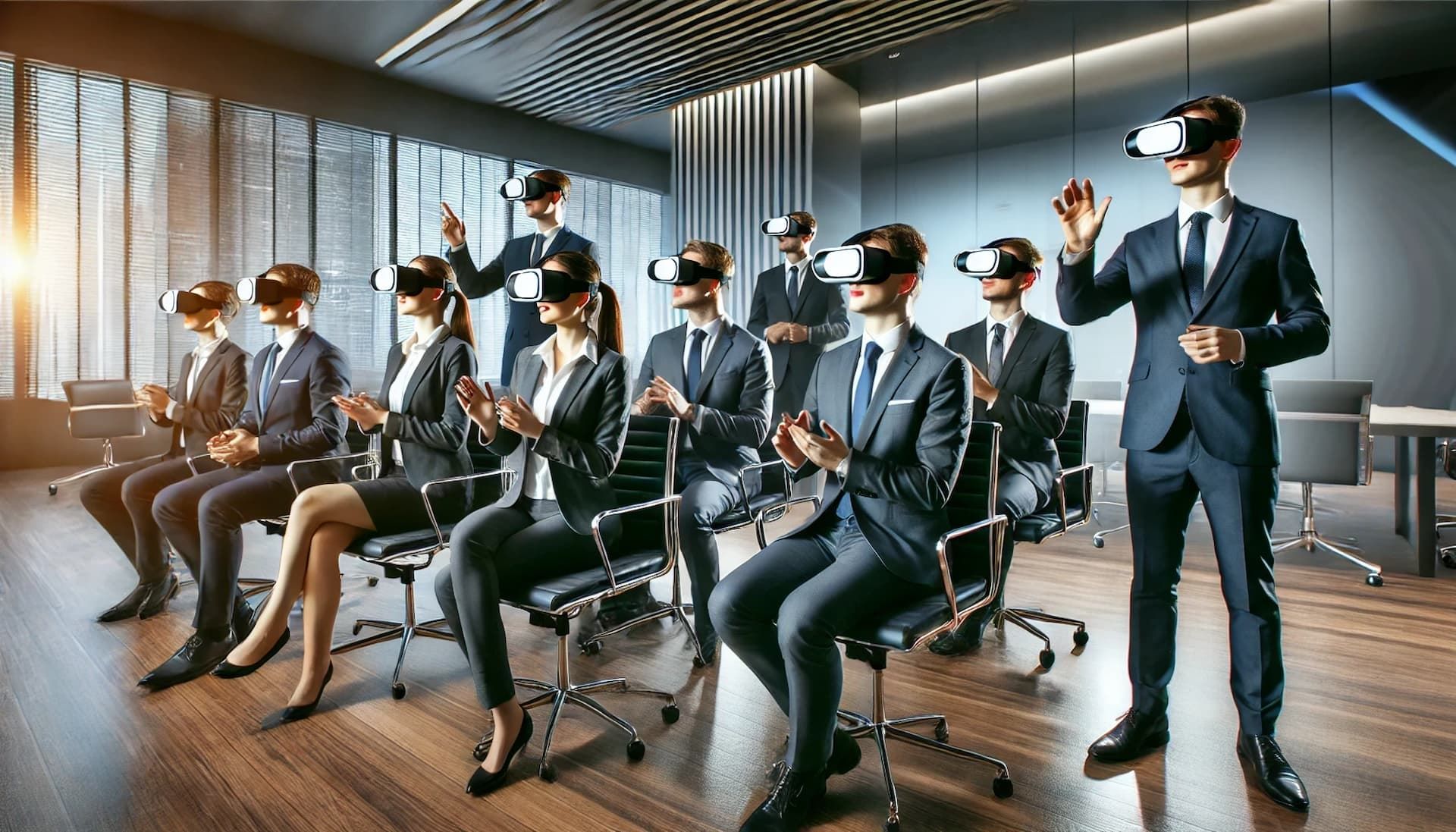
BoardroomVR represents a significant advancement in the way we conduct meetings and collaborate in a professional setting. By leveraging the immersive power of virtual reality, it offers a unique and innovative solution that addresses many of the limitations of traditional meeting tools. From its origins as a modest prototype to its current status as a leading platform, BoardroomVR has shown a remarkable capacity for innovation and growth.
The platform’s features and functionality make it an attractive option for organizations looking to enhance collaboration, improve productivity, and engage with remote teams in a more meaningful way. While there are challenges to overcome, particularly in terms of accessibility and technical requirements, the future of BoardroomVR looks bright. With ongoing development and the continued evolution of VR technology, BoardroomVR is poised to become an essential tool for the VR community and beyond.
In conclusion, BoardroomVR is more than just a virtual meeting tool; it is a glimpse into the future of work, where physical boundaries no longer limit collaboration and where the possibilities for creativity and innovation are endless. As the platform continues to evolve, it will undoubtedly play a key role in shaping the next generation of professional communication and collaboration.
Elisha Roodt
Founder and Immersive Technology Specialist at VR360. Pioneering custom Virtual Reality software, 360° video filming, Matterport 3D digital twins, and immersive enterprise solutions across South Africa since 1998.